
Introduction
Learn how to connect different brand Smart devices together easily. This is step by step guide to fix compatibility issues using Alexa, Google Home, hubs and smart automation platform for a fully connected smart homes.
Smart home technology is becoming more popular every year but many users face a common challenge that is getting devices from different brands to work together smoothly.
With so many ecosystems like Amazon Alexa, Google home and Apple home kit, plus countless third party smart devices, compatibility issues are very common
If you have ever struggle with connecting a smart bulb, plug or Sensor from one brand to another system You Are Not Alone.
The good news is that there are simple and advanced ways to make all your smart devices communicate with each other regardless of brand.
In this guide you will learn how to connect different brand smart devices together step by step.
Why Smart Devices Don’t Work Together Easily
Before fixing the problem it helps to understand it. Different Smart home brands use:
- Different Communication protocols (Wi-Fi, zigbee, Z-wave)
- Different ecosystems
- Proprietary integrations
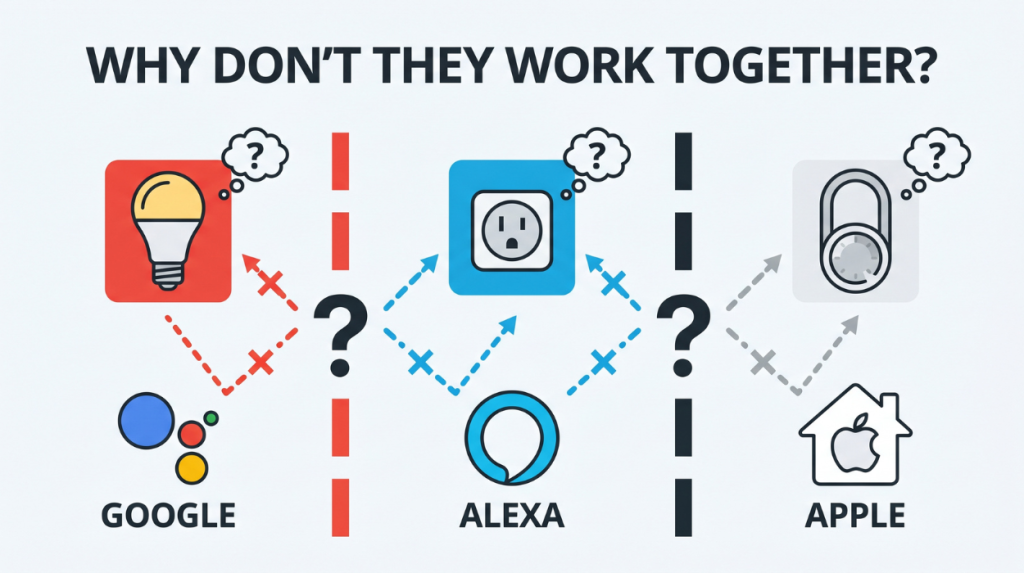
For example:
- A smart bulb might only support Google home
- A smart plug might work better with Amazon Alexa
- Another device might require Apple home kit
Without a bridge they won’t talk to each other
The 4 main ways to connect different smart devices
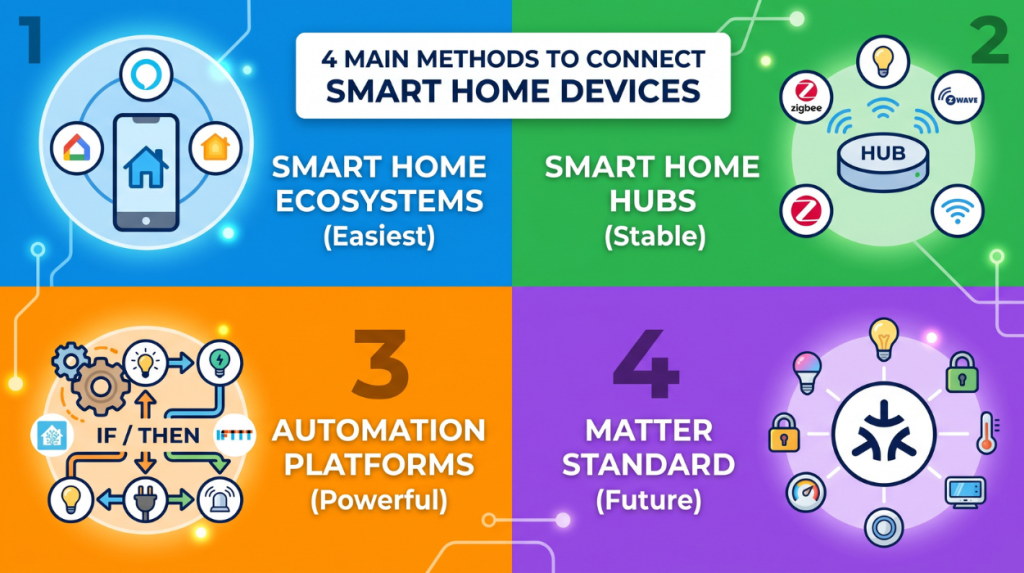
1. Use a smart home eco system (easiest method)
The simplest way to unified devices is to use one Central platforms.
Popular ecosystems:
- Amazon Alexa
- Google home
- Apple home kit
How it works:
1. Install the ecosystem app
2. Add each device brand via skills or integration
3. Control everything from one place
Example:
- Connecting a Philips bulb
- Add a TP link smart plug
- Controlling Both using Alexa voice commands
Pros:
- It is Beginner friendly
- No coding required
- Voice control supported
Cons:
- Limited compatibility
- Some features may not work across brands
2. Use a smart home hub (best for stability)
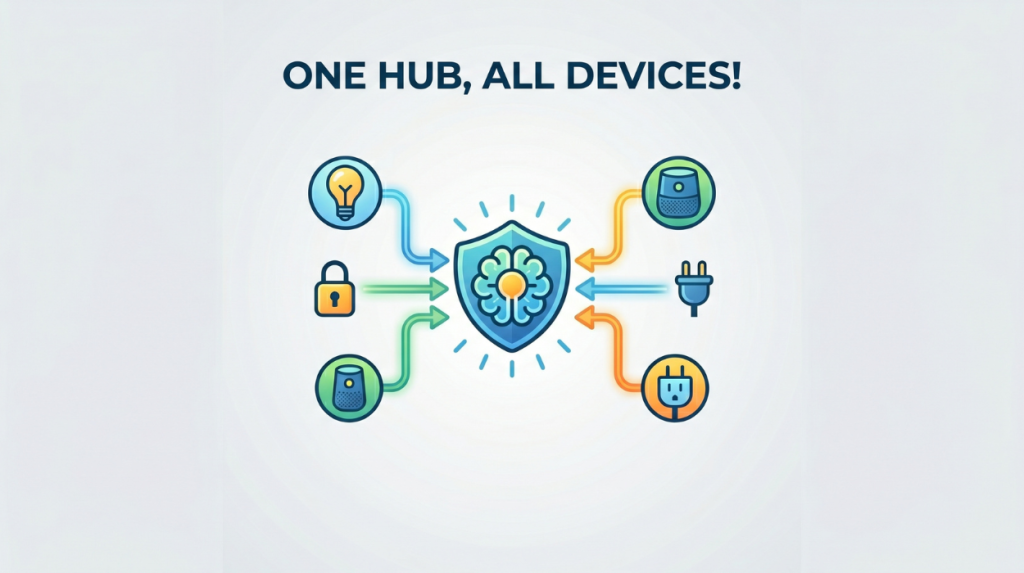
A hub acts as Translator between devices.
Popular hubs:
- Samsung Smart things
- Hubitat Elevation
- Amazon Echo (with zigbee)
How it works:
It Connects zigbee, Z- wave and Wi-Fi devices together
Allows cross brand automation
Example:
A motion sensor from one brand can Trigger light from another.
Pros:
- Reliable
- Works offline (in many cases)
- Better automation control
Cons:
Extra cost
Setup complexity
3. Use automation platforms (most powerful)
If you want full control use automation software like: Home assistant and IFTTT
Home assistant (for advanced users)
This is most powerful solution.
How it works:
- Connect to almost any kind of smart device
- Runs locally (better privacy)
- Allows the deep customisation
Example of automation:
If the door opens then lights gets turn on and notification receives
Pros:
- Maximum flexibility
- Works across brands
- No cloud dependency
Cons:
Technical set up required
IFTTT (beginner automation)
“If this then that” connect services easily.
Example:
If motion detected then turn on smart light
Pros:
Easy to use
No coding
Cons:
Slower (cloud based)
Limited advanced logic
4. Use matter (the future standard)
Matter is a new Universal Smart home standard.
What it does:
Lets devices from different brands work together seamlessly.
Reduces Compatibility issues
Supported by:
Apple
Google
Amazon
Why it matters:
In the future you will not need work around but devices will just connect
Step by Step: Connect Different Brand Devices
Let’s go through a practical set.
Step 1: Pick your main platform
Pick one:
Amazon Alexa
Google home
This becomes brain of your system.
Step 2: Individual set up of each device.
Install each brand’s App
Connect device to your Wi-Fi
Test to check whether it works properly
Step 3: link devices to your main system
Inside Alexa or Google home:
Go to add a device
Enable the brand integration
Log in into your device account
Step 4: Organise your devices
Create rooms like:
Living room
Bedroom
Kitchen
This simplifies control
Step 5: create Automations
Example:
Good night routine
Turn off lights
Lock doors
Turn off plugs
Common Problems and Fixes
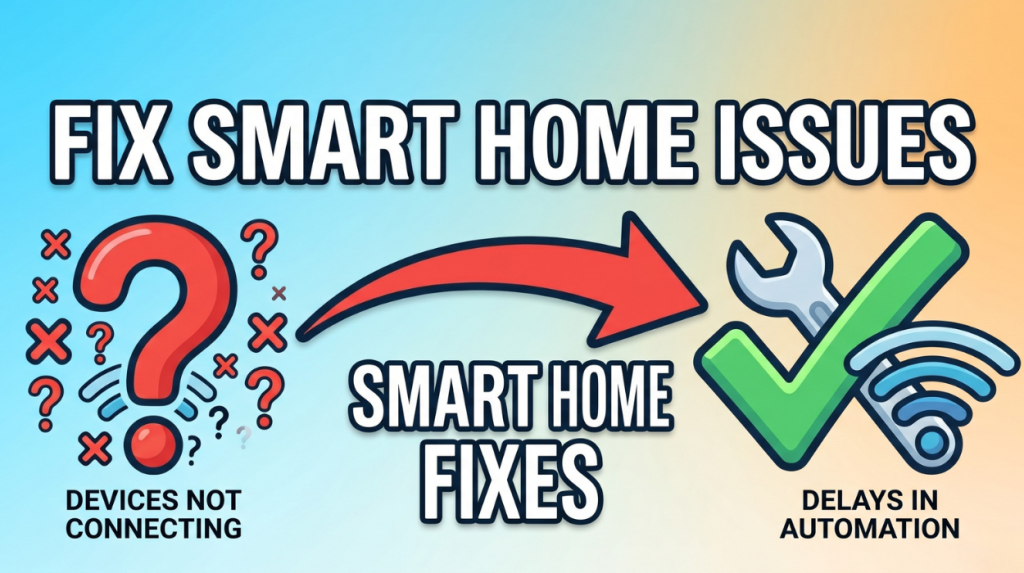
Devices not connecting
Fix:
Use 2.4 GHz Wi-Fi
Restart router
Reset device
Devices not compatible
Fix:
Check ecosystem support
Use hub or home assistant
Automation not working
Fix:
Check Triggers
Ensure Devices are online
Recreate routine
Delays in automation
Fix:
Reduce cloud dependency
Use local hubs
Upgrade router
Best Practices for Mixing Brands
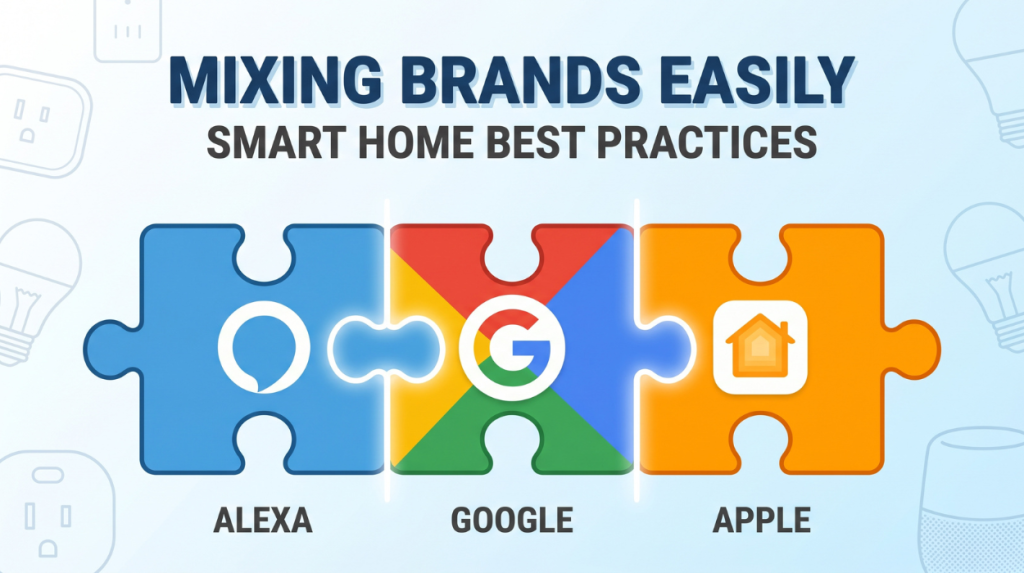
Stick to one ecosystem
Avoid mixing Alexa + Google + Apple heavily
Prefer compatible devices
Check works with Alexa or Google labels
Use zigbee or Matter devices
Better integration and reliability
Keep network strong
Use mesh Wi-Fi
Avoid overcrowding network
Pro setup (advanced users)
If you want a perfect smart home system:
- Use home assistant as a central brain
- Add zigbee hub
- Use matter compatible devices
- Run Automations locally
This will give:
Faster response
Better privacy
Full control
Future of Smart Home Compatibility
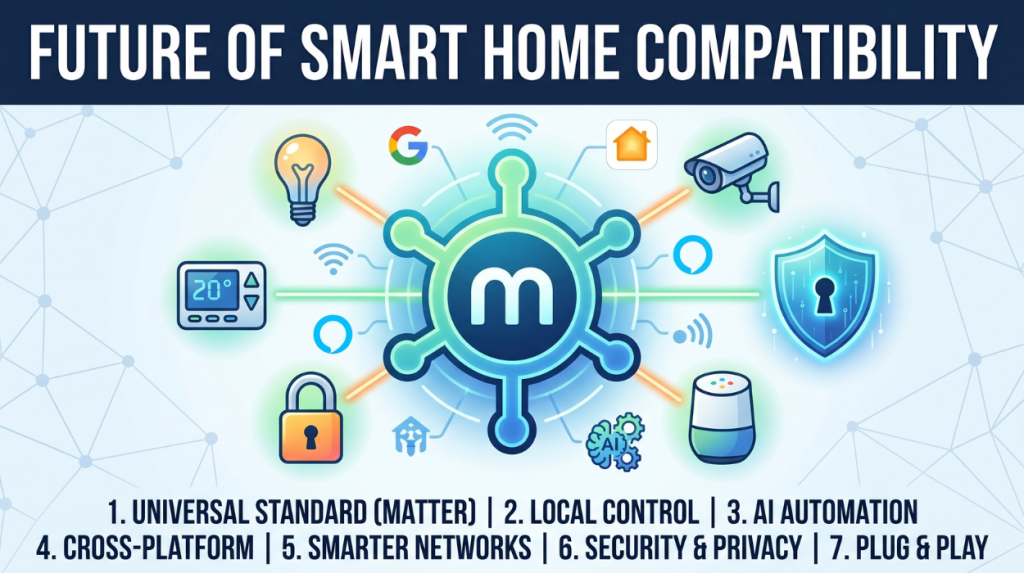
1. Universal standard adoption (matter protocol)
- One common standard for all smart devices
- Works across Alexa, Google Home, Apple home kit
- Removes need for separate apps or bridges
- Simplifies devices setup with QR code pairing
- Improves cross brand compatibility significantly
2. Shift to local control ( less cloud dependence)
- Devices will communicate within home network
- Reduces Reliance on internet or cloud servers
- Faster response time for automation
- Works even during internet outages
- platforms like home assistant already support this Trend
3. AI powered Smart automation
- Systems learn user habits automatically
- Predictive actions (lights temperature security)
- Reduces need for manual routines
- Smarter personalisation over the time
- More natural handsfree home control
4. Strong Cross platform integration
- Ecosystems will become more open
- Easier mixing of different branded devices Apple versus Google versus Amazon
- Unified control dashboards
- Less ecosystem locking ( Apple vs Google vs Amazon)
- Improved device interoperatibility
5. Smarter and faster home networks
- Wi-Fi 6/ Wi-Fi 7 support for more devices
- Mesh network for full coverage
- Lower latency in device communication
- Reduced connection drops
- Better handling of large smart home setups
6. Enhanced security and privacy
- Stronger encryption between devices
- Local authentication systems
- Better protection against hacking risks
- More user control over data sharing
- AI based threat detection systems
7. Plug and play Smart home experience
Simple set up ( plug, scan, auto connect)
No technical configuration needed
Instant compatibility between brands
Automatic device recognition
Beginner friendly Smart home adoption
Conclusion
Connecting different Smart home brands isn’t as complicated as it seems once you understand the system.
The simplest path: Use Google home or Amazon Alexa
The most powerful path: use home assistant
The future proof path: buy matter compatible devices
Frequently asked questions
1. Can all brands connect to each other?
Not all directly. They connect through a common platform like Google home or Amazon Alexa. Keep a device doesn’t support these integration is limited.
2. What is the easiest ecosystem to use?
Google home-best overall compatibility
Alexa-great for routine and voice
Apple home-based for iPhone users but fewer supported devices
3. Why are my devices not syncing
Common reasons:
Devices not supported by your Plat form. Wrong account linked. Wi-Fi miss match (must be same network) region settings mismatch (very common)
4. Do I need a Hub?
Sometimes yes.
Philips hue lights- need Hue Bridge
Zigbee Devices- need a hub
Wi-Fi devices usually don’t.
5. Can I automate devices from different brands together?
Yes. For example, motion sensor (XYZ) – turns on Philips light. This works once both are linked in the same app.
6. What is matter and why it is important?
Matter is a new standard that lets devices from different brands operate together more easily without complicated set up. Future devices will support this natively.
7. Can I control everything with voice?
Yes by using Google Assistant, Amazon Alexa, Apple Siri.
8. Is it safe to connect multiple brands?
Generally yes but use strong passwords, Enable 2FA where possible and avoid unknown brands with poor security.
Read More: Smart Home for Sleep Optimisation.