
Introduction:
The modern home is no longer just a physical space its connected ecosystem. From smart lights and thermostats to security cameras and voice assistant smart Home Automation has transformed convenience into something seamless and almost invisible.
A compromised Smart home network is not just about losing control of devices it can read to:
- Surveillance through cameras and microphones
- Theft of personal and financial data
- Authorised control of locks and alarms
- Use of your devices in large scale cyber attacks
This guide will take you deep into practical Real world strategies to how to secure your Smart home network.
Whether you are just starting or already have a connected home you will learn how to build a layer defence system that keeps your digital life safe.
Understanding Smart home threat landscape
Before implementing security measures its important to understand how attacks actually happens. The expanding Attack surface
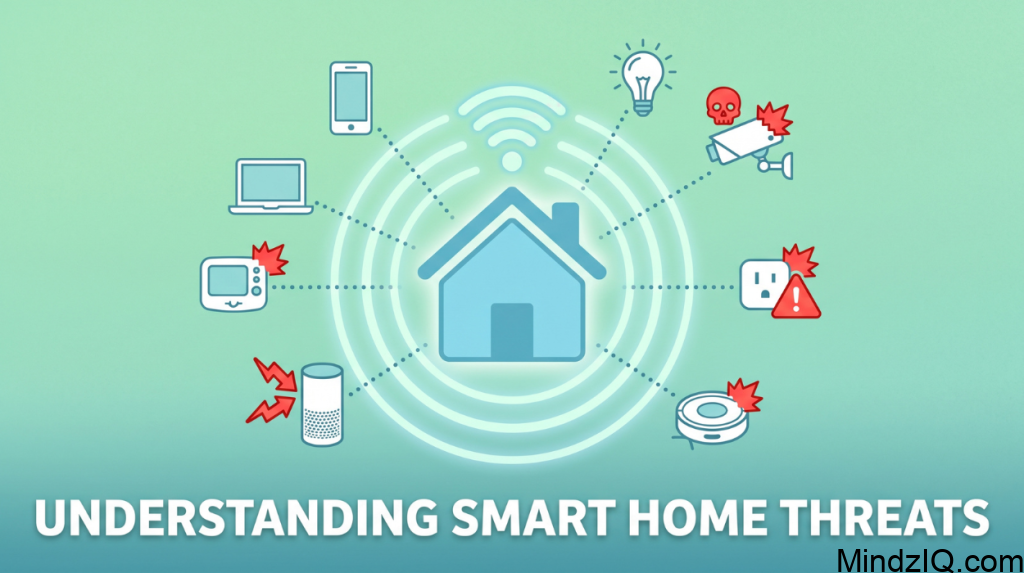
In a traditional home network you might have:
- One or two smartphones
- A Laptop
- May be a smart TV
In Smart home, that number can easily Exceed 20-50 connected a devices. Each of these devices:
- Connects to your Wi-Fi
- Communicates with external server
- Often runs out dated or minimal security firmware.
This dramatically increases the attacks surface meaning more opportunities for Cyber criminals.
Real world threat scenarios
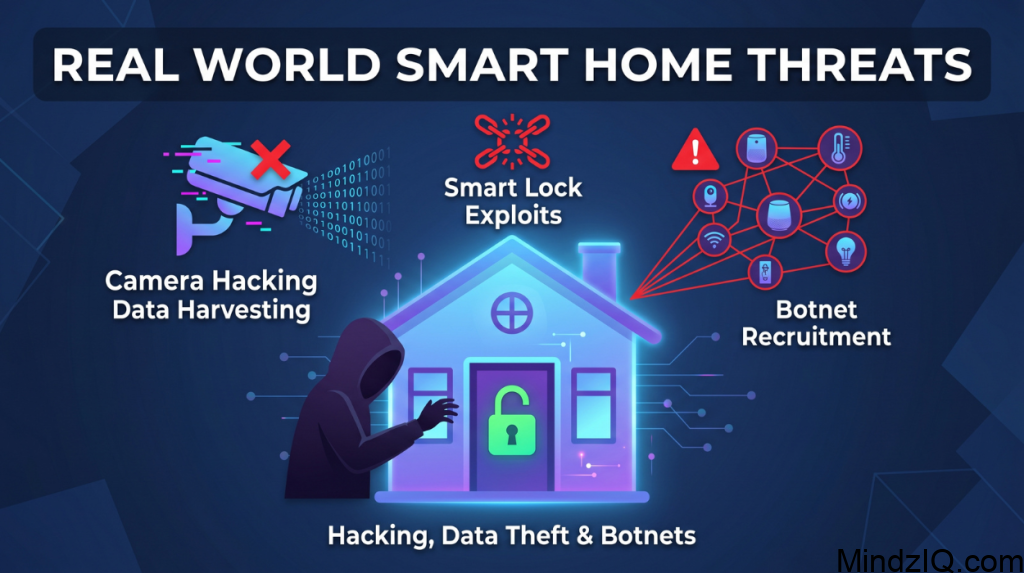
1. Smart camera hacking
Hackers exploit weak passwords or outdated firmware to access life feeds.
2. Smart Lock exploits
Keep improperly configured attackers can unlock dorus remotely
3. Botnet recruitment
Devices can be Hijacked and user in attacks similar to the Mirai botnet which disrupted major internet services.
4. Data harvesting
Smart assistant and IoT devices collect behavioural data that can be intercepted or misused.
Step 1: Build a secure network Foundation
Your Wi-Fi network is the backbone of your Smart home. Keep it is compromised everything else become vulnerable.
Change defaulter settings immediately.
Routers often come with factory credentials that are publicly known. At attackers actively scan networks looking for a device that still use this defaults
Instead of treating these as a optional think of it as your first line of Defence.
- Change the admin username to something unique
- Create a strong password(avoid personal details)
- Disable remote access unless absolutely necessary
Use strong encryption standards
Encryption insurance that data traveling across your network cannot be easily intercepted
Modern routers Offer:
- WPA3 (most secure)
- WPA2 (acceptable fallback)
Avoid outdated protocol like wEP which can be cracked within minutes
Network segmentation
A Game changer one of the most overlooked at powerful strategies is network segmentation.
What it means
Instead of connecting everything to a single network you divide your network into multiple isolated sections
Why it works
Keep a smart bulb get hacked the attacker cannot jump to your laptop or smart phone.
Practical setup
- Main network-phones, laptops and personal devices
- IoT network-smart devices only
- Guest network-visitors
Many modern routers allow you to create multiple SSIDs easily
Keep router firmware updated
Firmware updates patch vulnerability that hackers activity exploit.
Make it habit to:
- Check updates monthly
- Enable automatic updates if available
Ignoring updates is like living your front door unlocked.
Step 2: Strengthen Authentication Systems
Week authentication is one of the biggest reasons smart homes get compromised. The problem with password reuse. Using the same password across devices creates a Domino effect. If one account is hacked everything else becomes accessible.
Building strong passwords
Secure password should:
- Be at least 12 to 16 characters long
- Include mix
- Award dictionary words
- Instead of something simple use passphrases
Use a password manager
Managing dozens of strong passwords manually is unrealistic
Password Managers:
- Generate Complex password
- Store them securely
- Sync across devices
This Dramatically reduces human error
Enable two factor authentication (2FA)
2 FA add a second verification step such as:
- SMS codes
- Authenticator apps
- Biometric verification
Even if a password is compromised attackers cannot access you are account without the second factor
Step 3: Secure Individual Smart Devices
Each device is a potential vulnerability so security must extend beyond the network.
Change defaulter credentials
Many iot devices ship with default usernames and passwords. These are often listed online.
Always:
- Change login details during setup
- Award predictable patterns
Firmware updates are critical
Smart devices often run light weight operating systems that are rarely updated unless you do it manually. Outdated firmware can contain:
- Known vulnerability
- Unpached exploits
Enable automatic updates wherever possible
Disable unnecessary features
Many devices include features you man never use such as:
- Remote access
- Vice purchasing
- Bluetooth pairing
Each feature increases the attack surface. Turning off unnecessary function reduces risk significantly
Step 4: Monitor and Control your Network
Security is not just about prevention it’s about visibility. Track connected devices. Your router dashboard can show:
- All Connected devices
- IP addresses
- Device Activity
Review this list regularly
Detect suspicious behaviour
Unusual signs include:
- Unknown devices connected
- Sudden spikes in network traffic
- Devices Behaving erratically
This may indicate unauthorised access.
Set alerts and notifications
Many modern router allow alerts for:
- New device connections
- Login attempts
- Firmware updates
These keeps you informed in a real time
Step 5: Implement Firewall Protection
A Firewall acts as a filter Between your network and the internet.
How firewalls work
They:
- Block unauthorised traffic
- Allow safe communication
- Prevent direct Access to devices
Best practices
- Enable router firewall
- Disable unused ports
- Block suspicious IP addresses
For advanced users consider dedicated Firewall hardware
Step 6: Secure your Internet Traffic
Use secure DNS services. DNS is like the internet address book. Standard DNS can exposed you to malicious sites.
Secure DNS services:
- Block phishing website
- Prevent malware downloads
Consider a VPN
VPN encrypt your network traffic, especially useful when accessing your Smart home remotely.
Benefits include:
- Data privacy
- Protection on public Wi-Fi
- Reduced tracking
Step 7: Protect Voice Assistant
Voice assistant are convenient but always listening. Reduce privacy risks.
- Turn off continuously listening when possible
- Review stored voice data
- Delete recording regularly
Secure transactions
If voice purchasing is enabled:
- Add a PIN
- Restric purchases
Step 8: Secure Camera and Monitoring Devices
Cameras are high value targets for attackers. Protect video feeds
- Use strong passwords
- Enable encryption
- Avoid public exposure
Avoid port forwarding
Port forwarding exposes your device directly to the internet
Instead:
- Use secure cloud services
- Access via official apps
Step 9: Chooes Devices Wisely
Not all smart devices are equal. What makes a device secure?
- Regular updates
- Transparent privacy policy
- Strong encryption support
Risks of cheap devices
Low cost devices May:
- Lack of updates
- Contain hidden vulnerability
- Share data without consent
Investing interested brands improves long term security
Step 10: Build Smart Security Habits
Technology alone cannot protect you , your behaviour matters
Stay alert to phishing. Hackers often target users through fake emails or apps
Always verify:
- Sender authenticity
- Links before clicking
Use official apps only
Download apps from trusted sources to avoid Malware
Regular maintenance
Every few months:
- Update passwords
- Review settings
- Remove unused a devices
Advanced security tips
Use network segmentation tools
Advanced users can implement:
- VLANs
- Managed switches
- AI based Security system
Modern systems can:
- Detect unusual behaviour
- Automatically block threats
- Hardware security keys
For maximum protection:
Use physical authentication devices
Common Mistakes to Avoid
Many users unknowingly weaken their security
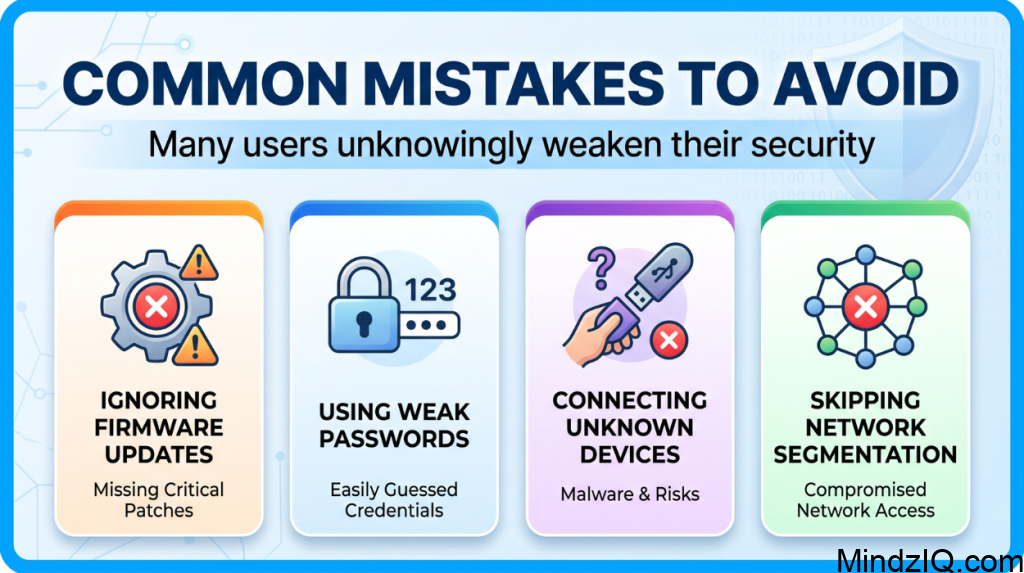
Avoid:
- Ignoring firmware updates
- Using weak passwords
- Connecting unknown devices
- Skipping network segmentation
The Future of Smart Home Security
Smart home security is evolving rapidly.

Emerging Trends include:
- Ai driven threat detection
- Behaviour analysis systems
- Biometric authentication
These Technology will make smart homes safer but also more complex.
Conclusion
Securing your smartphone network is not about a single tool or setting it’s about layered protection.
Start with the basic:
- Secure your Wi-Fi
- Use strong authentication
- Then move to advanced strategies:
- Network segmentation
- Monitoring systems
- Device level security
By taking these steps you can transform your smart home from a vulnerable system into a resilient and Secure environment.
Read More: Offline Smart Home Assistant.