
In the era of the connectivity IoT devices has become most integral part of life.
They automate, monitor and manage your home using everything from programmable thermostats and lights to security cameras and voice assistant. But with all the advantages of IoT devices, they also have disadvantage of threat to security.
Cybersecurity experts caution that these devices can be insecure gateways through which nefarious types can worm their way in to your home network. One best way to protect your IoT stuff is through a VLAN (Virtual Local Area Network) firewall.
Introduction of IoT devices and their security problems:
These IoT devices connect to each other on a network, exchanging data and messages. These systems are smart for convenience and easy to use but problem is that they can be hacked especially if they are connected to a home network without necessary security. The most common threats related to IoT devices include:
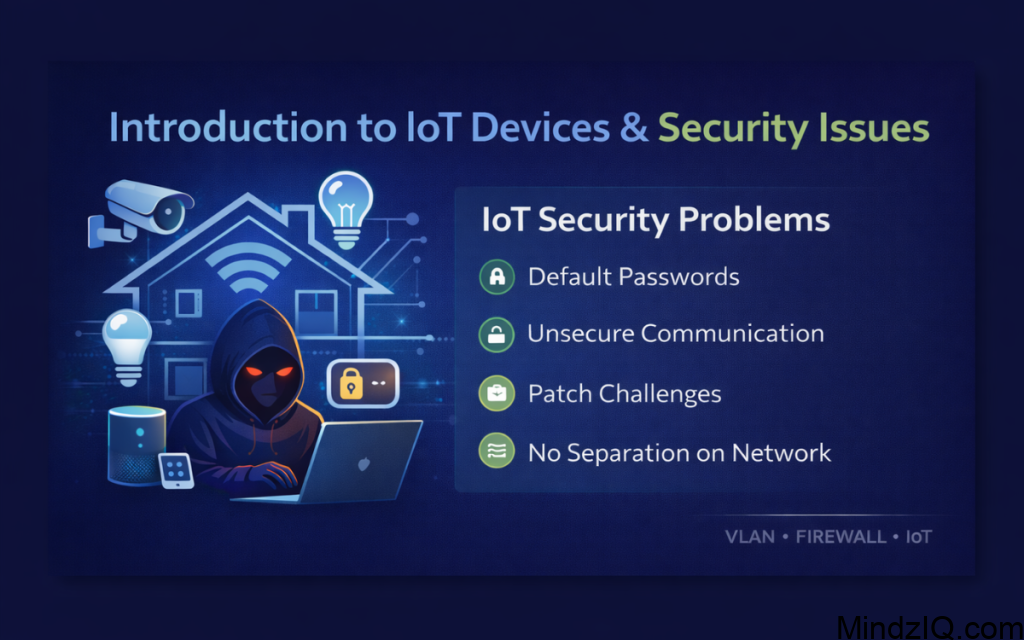
Default Passwords: The credentials are often set as default on an IOT device during its installation and didn’t changed after installation. Cybercriminals can exploit this vulnerability.
Unsecure Communication: A lot of IoT systems send critical data in an unencrypted format and are easily overheard by the attackers.
Patch Challenges: Some makers of IoT devices may fail to update their products due to cost lack of long term support hence its known vulnerabilities can be easily attacked by the hackers.
No Separation on the Network: Many of these IoT devices shares network like computers and other equipment, so if they are insecure attackers can misuse just like any other page of content.
With these hazards in mind, IoT devices need to be locked down so as not to expose them to an attack surface. So, to avoid this use of VLANs and firewalls become useful.
What is VLAN?
VLAN is logical segmentation of the physical network. VLANs represent virtual subnets for user workstations and servers in the same broadcast domain of one another, yet divided because of their physical location, role or department. A VLAN helps to network administrator to split one network among separate virtual networks. A VLAN protects two network sections from each other, unless sharing is allowed
Placing VLAN on IoT devices like and personal computer, smartphones, or any devices helps to limit damages as it can easily get hacked. This partition is key help when if one device get hacked it can’t easily affect your other devices.
Why Is VLAN Firewall Critical For IoT Security?
A VLAN firewall used to provide next level of security between VLANs. It controls communication between different VLANs, and makes sure that user on one VLAN cannot access another without authority. Being with a VLAN firewall, you can:
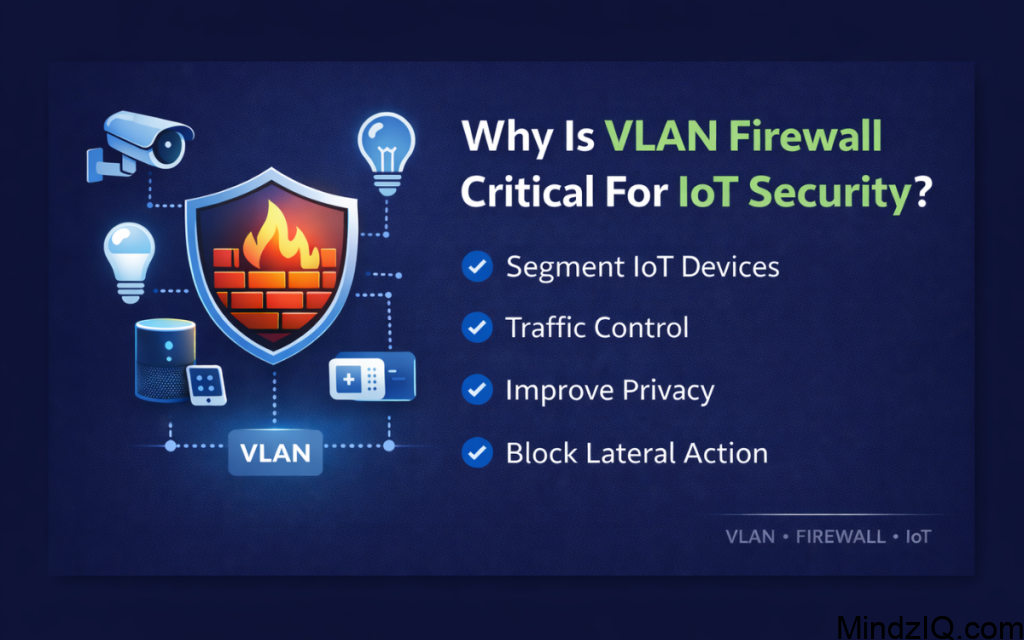
Segment IoT Devices: Segregating your IoT devices in a dedicated VLAN will prevent them from communicating with sensitive ones, like your computers, phones, printers etc.
Traffic Control: With a VLAN firewall you are able to Control and filter inter VLAN traffic, which prevents unauthorized access and malicious activities.
Improve privacy: IoT traffic being segregated, a VLAN firewall prevents confidential data received from other devices on the network.
Block Lateral Action: If an IoT device is compromised and you don’t want that attacker freely move around your network to other devices, a VLAN does just this.
How to protect IoT devices with VLAN Firewall
How to Firewall Your IoT Devices in Home Automation. Here is the step by steps guide for how you can firewall your home automation devices (smart things, Hue, nest) with a VLAN and cloud based router. Let’s take a more in depth look at them.
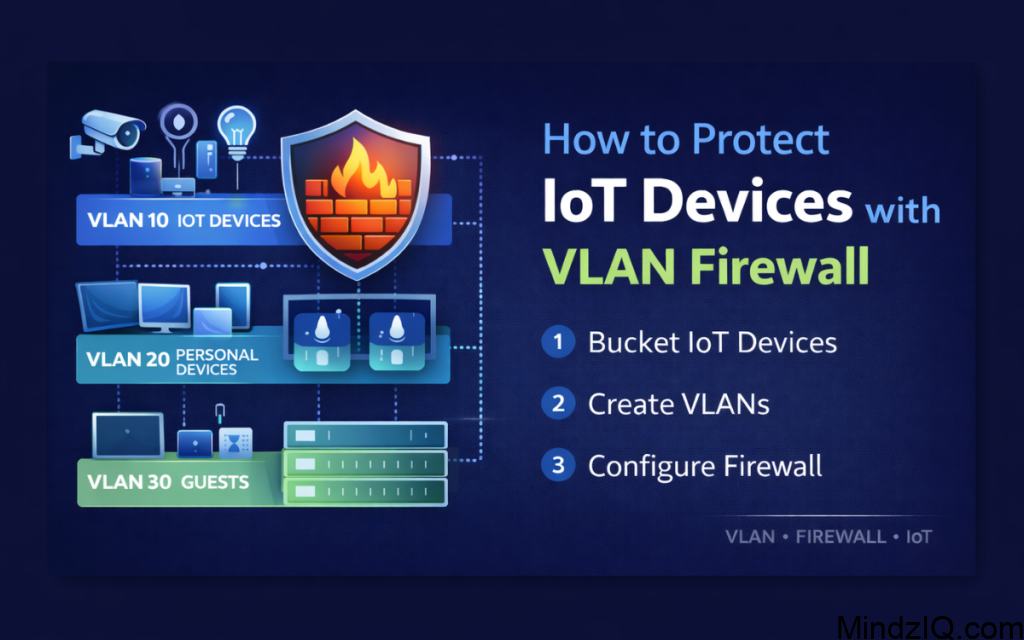
1.Put Your IoT Devices in Buckets
Before establishing a VLAN firewall, it’s important to know what all the IoT devices are in your house. These can include:
Smart lights, Thermostats, Security cameras, voice recognition devices (such as Amazon Echo, Google Home), Smart plugs, Wearable devices (e.g., smartwatches)
After you identify your devices, categorize them by their function and risk to security. For example, compared to smart speakers, security cameras should have stronger security settings due to the sensitive information that they process like videos.
2. Create VLAN According to The Type of Devices you have
Next step is you have to create VLANs for different category of devices. It’s a critical step to segment your network and keep high risk devices (like cameras or doorbells) away from other sensitive gear, such as computers or phones.
For example:
VLAN 10: IoT Devices (Cameras, smart plugs, smart bulbs etc)
VLAN 20: BYOD (Laptops, smart phones, tables)
VLAN 30: Guests (For use when creating guest Wi-Fi access)
segmenting the devices, you can stop them talking to each other except where you choose otherwise remove most of the possibility for cross contamination between network segments.
3.Configure VLAN on Your Router
You can create VLANs if you have network switch that supports VLAN functionality. VLANs may be configured by using the web interface of many home and SOHO routers. Here’s a general step by step guide:
Access Router Settings: You can log in to your router’s settings by typing its IP address into the URL bar of you web browser. This is typically located on the bottom of the device, or in the instruction manual.
Enable VLAN: In the network settings section, turn on VLAN functionality check for options like “VLAN settings” or “Virtual LAN”.
Create VLANs: Set up dedicated VLANs for each of your device types. Assign unique ID to each VLAN (e.g., VLAN 10, VLAN 20).
Assign Devices to VLANs: You can now assign specific devices to each VLAN based on their MAC address or IP address.
For instance, IoT devices maybe joined under VLAN 10, people’s devices under VLAN 20 etc. Once set up, the router will consider each VLAN traffic are on physically separated networks.
4. Set Up a VLAN Firewall
Now you have created and configured VLANs, next step is to create firewalls rules which control how these VLANs interact. You need a VLAN aware firewall to block devices accessing other VLANs, while allowing whatever traffic is required for your smart home to function properly.
How to set the firewall:
Default Deny Rule: Create a default deny rule that will deny all traffic between VLANs. This will causes no connection of device with each other in one VLAN without being told they can.
Permit Traffic: Once we have the default deny, we need to open that traffic that you want to allow forward on through. You can grant permission to your devices to communicate with your IoT devices, but only for certain purposes such as switch the lights on or off and change the temperature.
Port Forwarding: Some devices, like security cameras and media servers, want to be able to see the outside world directly. You can even enable the internet to access these equipment in firewall having port forwarding setup.
Log and Track Traffic: Log in with your VLAN firewall to track traffic. This will help catch any suspect activity and efforts to get in illegally.
5. Use Strong Passwords and Encryption for IoT Devices
As stated earlier, there is network level security available in VLAN Firewalls although it’s necessary to secure each individual IoT device. Always check:
Use Stronger Passwords (Or Change Default Ones): A lot of IoT devices come with default username password combinations that are easy to guess. Always set these credentials to unique, strong passwords.
Encrypt transmissions: Make sure devices speak to each other over encrypted channels (for example HTTPS or WPA3 encryption for Wi-Fi). This can make the sensitive data less likely to be overheard on by an attacker.
6.Regularly Update IoT Device Firmware
Lots of security issues with IoT devices are because the firmware is out dated. Firmware updates are released by manufacturers to address these vulnerabilities, so it’s essential that you to:
Keep always IoT device updated.
If available , Enable automatic updates.
Manually update firewall every time when new build is posted.
7.Monitor and Audit Network Traffic
Once you have VLAN firewall, simply track traffic between VLANS. Track traffic trends with software like Wireshark, or your router’s internal analytics. Always keep an eye out for anything suspicious and unauthorized, trying to sneak in.
8.Use a Different Internet Connection for High Risk IoT Devices:
To be even safer, you might want to establish an entirely separate internet connection (such as a second Wi-Fi network) for high risk devices, such as security cameras and smart locks. This means that if one device is compromised, the rest of your network will stay safe.
Securing the IoT Environment: Best Practices
Change Default Credentials: Always change default username and password from IoT devices.
Keep Firmware Current: Update the firmware whenever there is new updating available. Always make sure that all devices are running the of most recent versions to patch against new vulnerabilities.
Adoptive Strong Encrypting: Qualify strong encryption in IoT devices communication like WPA3 on wireless links.
Disable Unused Features: Don’t leave on any feature you don’t use accessible for a potential attack surface.
Utilize 2FA : Enable 2FA whenever possible to add a second level of security.
Read More: Matter Vs Zigbee Vs Z-Wave Vs Thread Which Is Best For Smart Homes.
Conclusion
It gives nice layer of security for your IoT devices on your home network. Segmenting IoT devices across different VLANs and using a VLAN firewall to manage the traffic, enables you to minimize the chances of cyberattacks, access being made by unauthorized users and/or theft of intellectual property. Deploying perforate and seal, combined with robust password hygiene, encryption and consistent firmware updates keeps your smart home safe and insulated from new threats.