
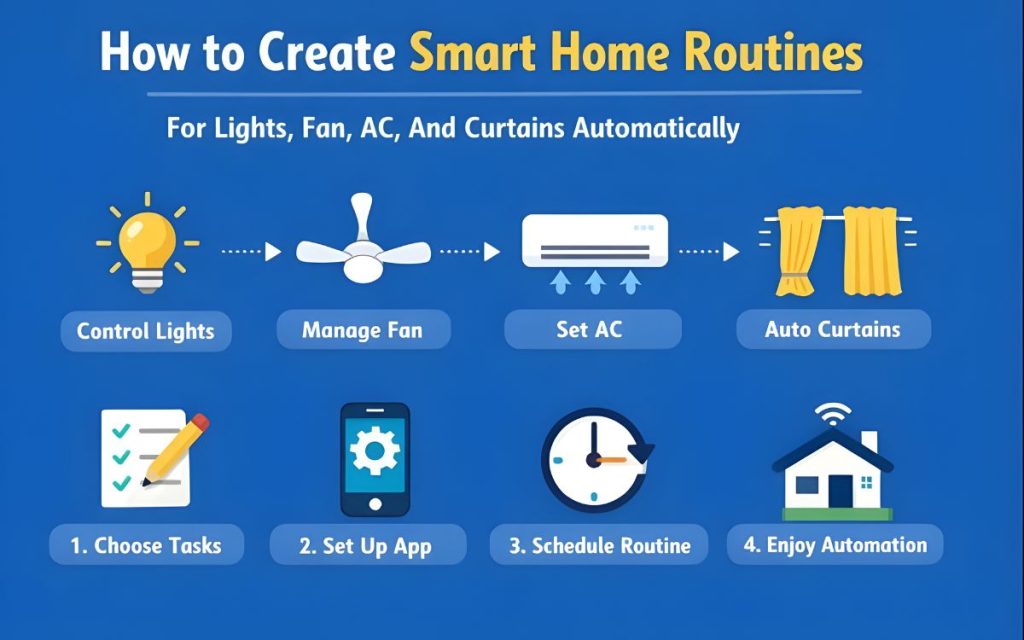
Introduction:
How to create smart home routines for lights Fan AC and curtains automatically this will be question in everyone’s mind but we come up with this article to resolve query in everyone’s mind.
Just imagine when you enters in the room and lights become slowly dim , when you woke the curtains opens at right time of your alarm. This means you are really living in the smart home. It will give you feel of living in the future. May be you have seen this kind of smart homes in movies or at rich people home.
How to Plan Your Smart-Home Routines
So, proper plan is required before fixing the smart home routines otherwise it will become annoying. Many beginners fall in love of the system or stick to the system before planning but later become irritated. They try to automate everything. They feel fun when lights color changes when receives notification but after long time its get irritated.
The best way to fix smart-home routines is to check your daily routines and your daily needs. Do you find where are the lights switch when you enter in the room? Do you opens the curtains in the morning or and close the curtains in the night? Do you adjust the thermostat? When you leave the the home do you think about whether AC is on or off?
So, this are your daily need accordingly fix your routine in smart home. This small small things which makes you worry are called friction points. these are the places where smart automation is really needed.
When you enter is home lights will turn on, Curtains will automatically turn on in morning and close at night time, AC will automatically turn off when you leaves home. So, this thing are required to make your home really smart. Which will give you flexible, convenient and comfortable feeling.
Common Scenarios That You Might Consider:
The “Good Morning” Routine: Lights will be going up gradually as an imitation of dawn, the air conditioning shifts into daytime temperature and your smart speaker starts playing the news.
The “Goodbye” Routine: It is activated when the front door is locked or your phone leaves the geofence. All lights go out, the thermostat switches to ECO mode and robot vacuum cleaner turns on.
The “Movie Night” Routine: The primary lighting turns down to 10%, there are LED strips behind the television set in blue, and blinds close to keep out glare.
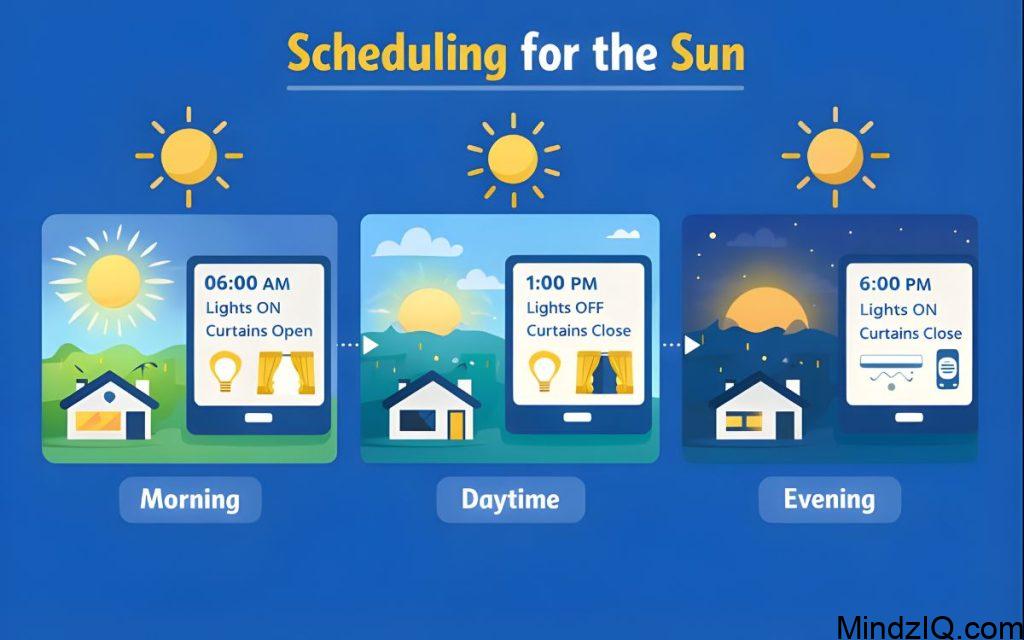
Scheduling for the Sun
Now technology is so advanced so there is no need to fix time to turn on lights. By using smart home app we can fix lights with sunrise and sunset season. Means we can automatically fix lights according to the environment or season. It means lamp in your living room automatically lights as soon as the sun goes down even if there is any month.
Triggers Based on Motion:
Where there is motion like in your hallways, laundry rooms and Living rooms there motion triggers or sensors are the best. You can fix them in according to the motion. For ex.
If you have fixed motion sensor in your corridor and time of 11 PM to 5 AM with lights in hallways 10%. If you woke up this all will direct you to your bathroom without disturbing your sleep cycle with big flash of white lights
Ceiling Fans
For the celling fan you have now more options. To control the fan with voice commands or app you can now use smart fan controller behind your wall switch. Or you can use Bond bridge no need of wire as it is remote controlled. Linking the fan with motion sensor is a great energy savings routine. Remember, fans cool the people because of the wind chill effect and not rooms . So no room should ever have the fan on when it is empty. For example, this will turn the fan off if no motion is detected in 15 minutes.
Automating Curtains and Blinds
While they may seem the very epitome of luxury, automated window treatments do have a lot of usability when it comes to thermal regulation. Reducing the load on your AC in summer, and on your heater in winter, sunlight can be managed properly.
There is no need any more to fix your curtains or curtain rods. The smart devices like Switch Bot curtain clamp which are fixed on your existing curtain rod. They will automatically open and close the curtains in the morning and night respectively.
Privacy Automation
in your bedrooms after 30 minutes of sunset you can program blinds to close. keeps your places private without you having to crawl around the house every evening, yanking cords. And waking to the natural sunlight is much more appealing than a jarring alarm clock. Setting your bedroom curtains to open automatically 15 minutes before your alarm will also give your body a chance to wake up naturally.
Advanced Smart Home Routine Techniques
Once you became more comfortable and understood the basic automation within a single app , you will want to try more advanced system.
IFTTT
IFTTT it is a web-based service which will help to different devices and apps to work together when normally they are not connected with each other. For example, you could connect your lights in smart home to a weather app in your phone.
It uses basic rule of If it happens then connect.
- IF the weather forecast says rain, THEN lights in your living room will blink blue and remind you to take an umbrella.
Voice Command Stacking
Most ecosystems now allow for “custom commands.” You can create a single phrase like “It’s party time.” In the background, you have programmed this single phrase to:
- Set volume to 50%.
- Shuffle your “Dinner Party” playlist, on Spotify.
- Set dining room lights to 70% brightness.
- Turn off the main hallway light.
Troubleshooting Common Issues
- The advantages of smart homes include having your every need attended to without moving an inch. But one day if network service is stopped, smart bulbs suddenly are “unreachable,” we will have to hurry to make adjustments or life at home soon turns into a nightmare all over again.
- It can even be said that the following article is neither too long nor too short just right Devices go Offline: This is usually caused by the poor reception capability of a long term idle Wi-Fi signal to which all these devices are tuned.
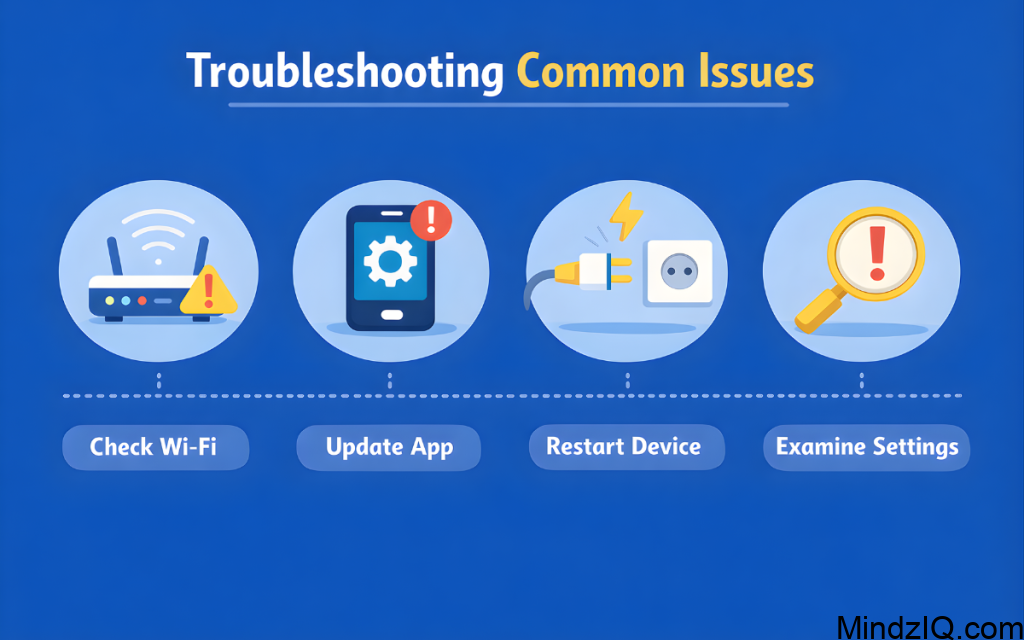
- Most of them receive so weak signal from their smart bulb antennas at that times and in such places at 3 a.m., if it goes offline you have to be one of those with an unlucky device that frequently goes offline. Then try using a whole house WI-FI mesh system (classic instances include Euro or Google’s Wi-Fi) which provides strong signals and good coverage.
- As an alternative some smart home controllers like Samsung Smart Things or Habitat, using Zigbee and Z-Wave frequency signals respectively, avoid loading down your wireless network.
- Smart people follow suit. When a routine that has been set up doesn’t work check in the manufacturer’s app for how people can get Yee light or Tuya.There may be a breakdown in communication between Alexa/Google account and manufacturer (Yee light or Tuya) application which requires resolving.
Read More: How to Fix Smart Home Device Offline Issue on 2.4GHz Wi-Fi Network.